In development · not for sale yet
Small gauge.Whole picture.
BoatGauge is a round colour touchscreen we're building for a standard 52 mm instrument hole. It's designed to take power and data from your boat's NMEA 2000 network through one cable, with speed, engine, fuel economy, heading and heel a swipe apart.
52mm
Fits a standard 2-inch instrument hole. The bezel is Ø58 mm.
1cable
Designed for power and data through one M12 NMEA 2000 connector.
466px
1.75-inch round AMOLED, 466 × 466, with touch.
9pages
To start with, plus up to eight of your own. Swipe between them.
The pages
Nine pages to start. Plus your own.
One reading at a time, big enough to read from the helm. Choose the order and which pages appear, and build your own from the values you want.
Drive
Navigate
Sea
Break
Your own pages
01Speed
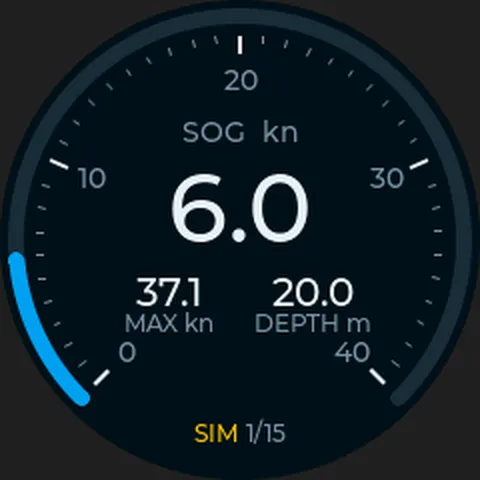
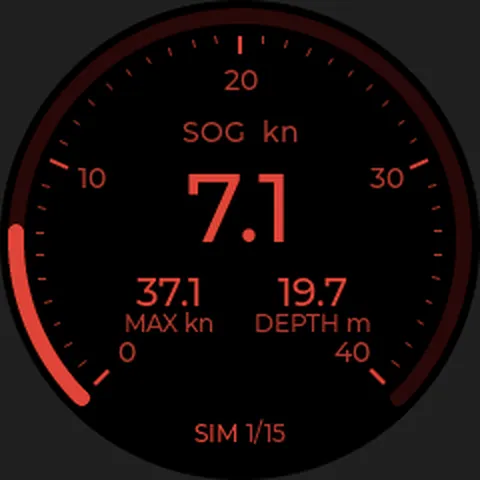
Speed over ground with your top speed and the depth. The dial follows your boat's top speed, and every value on the page can be swapped.
02Engine
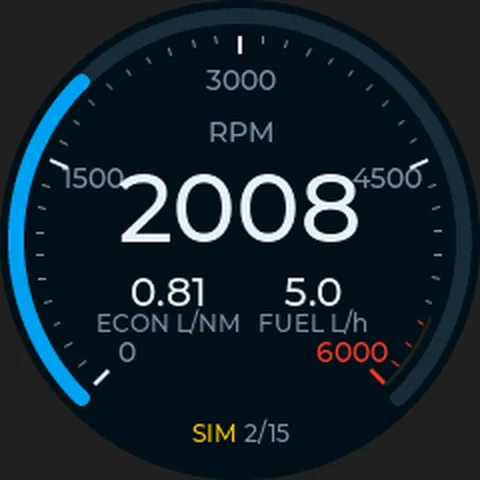
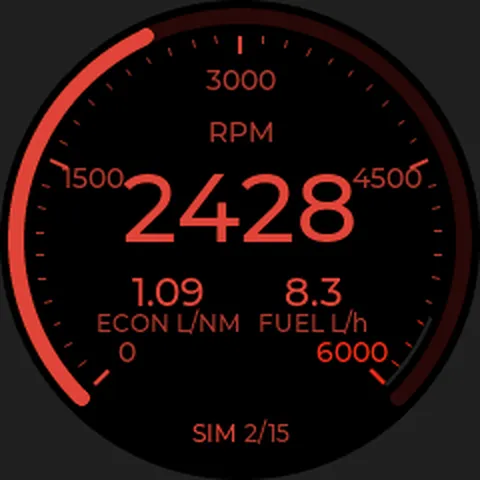
RPM with a red zone from your boat's red line, litres per nautical mile and fuel flow. Swap a value by pressing and holding it.
03Economy
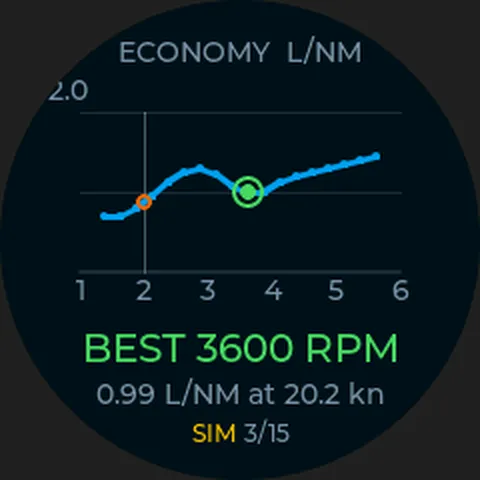
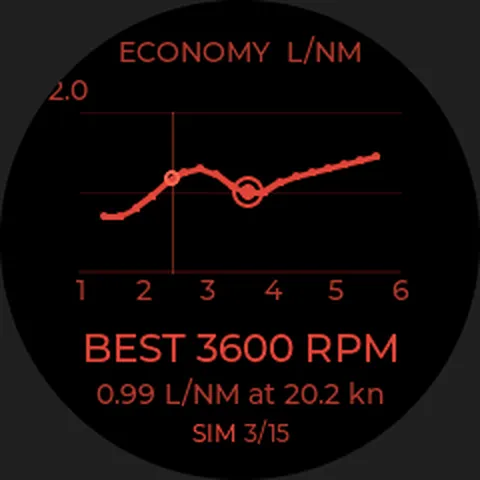
Learns how much fuel your boat burns per nautical mile at each RPM, and shows the most economical one.
04Trip
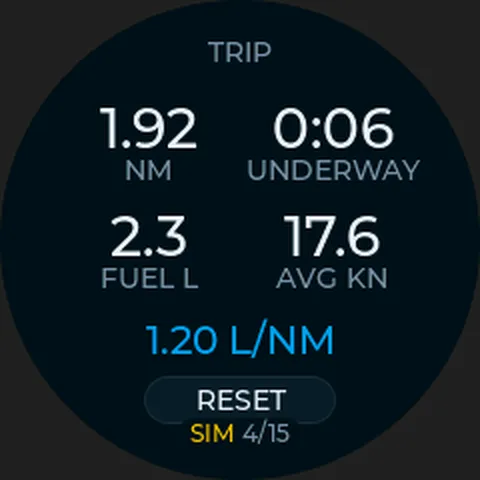
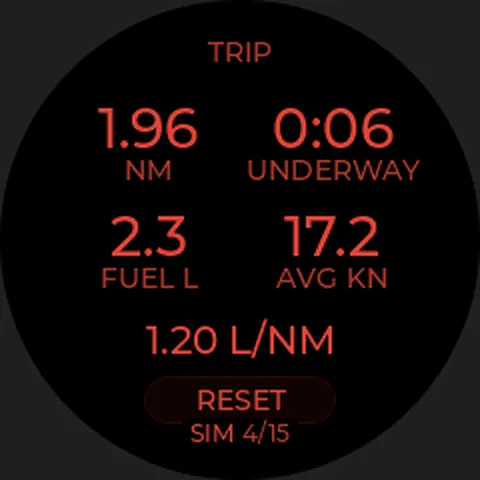
Distance, time underway, fuel, average speed and litres per nautical mile. Reset with two taps.
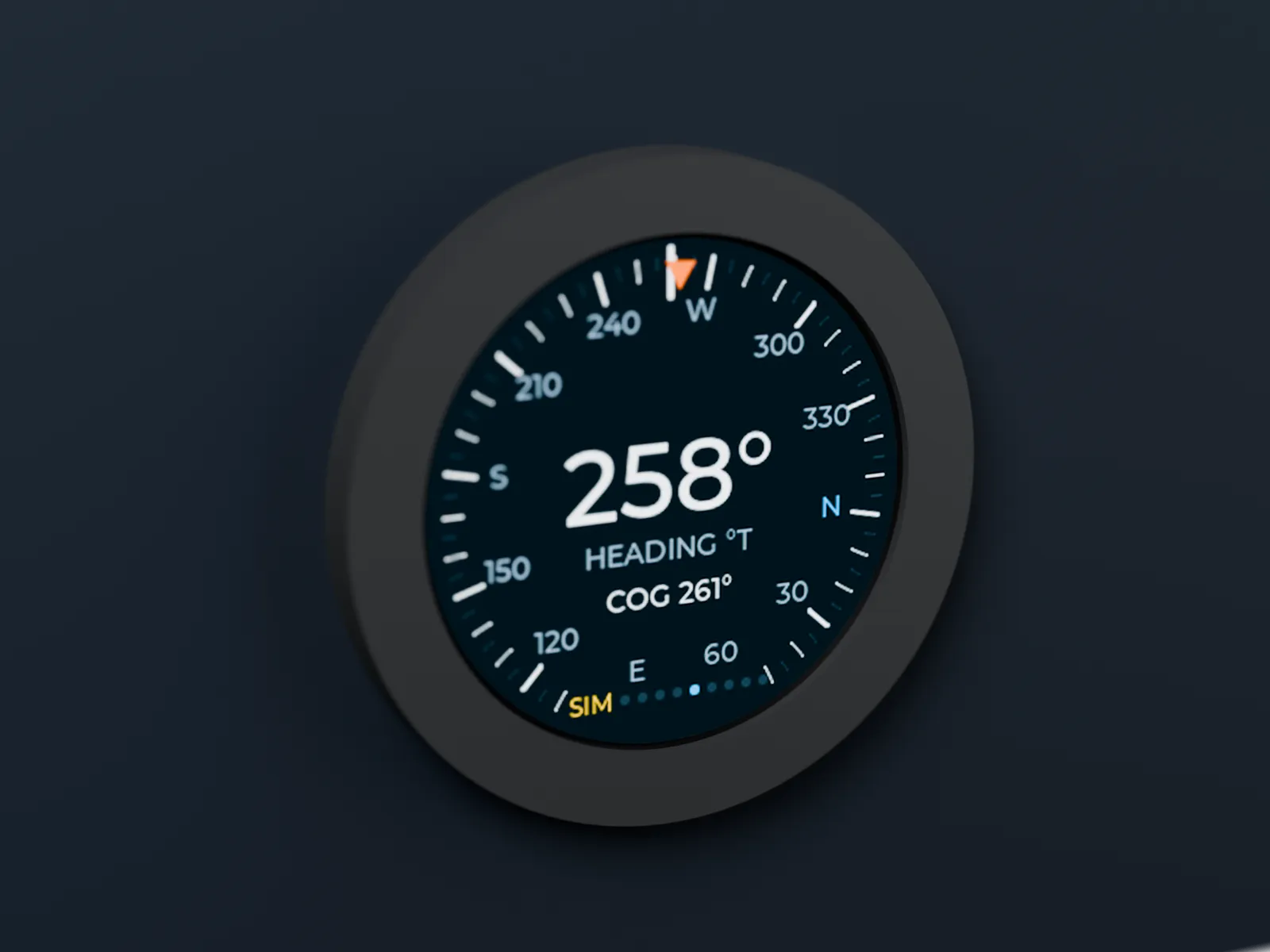
05Heading
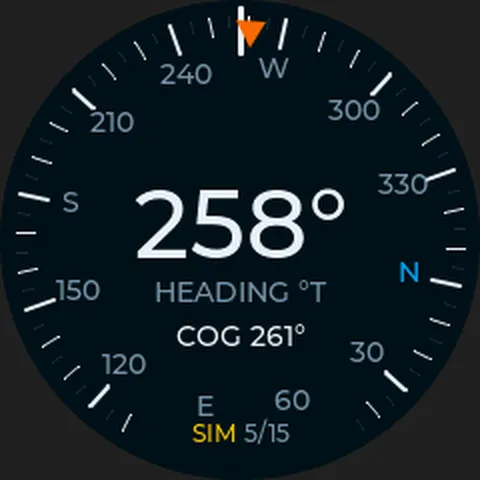
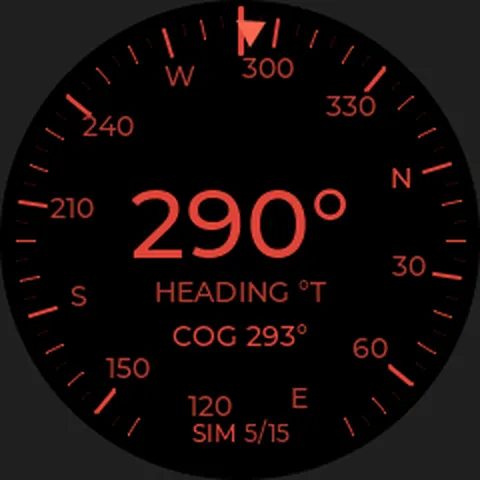
A compass rose with heading and course over ground.
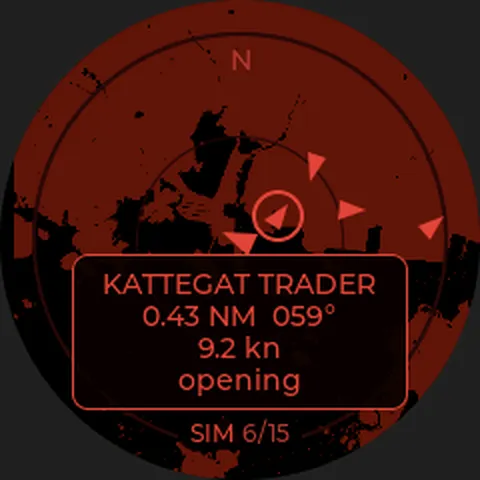
06AIS radar
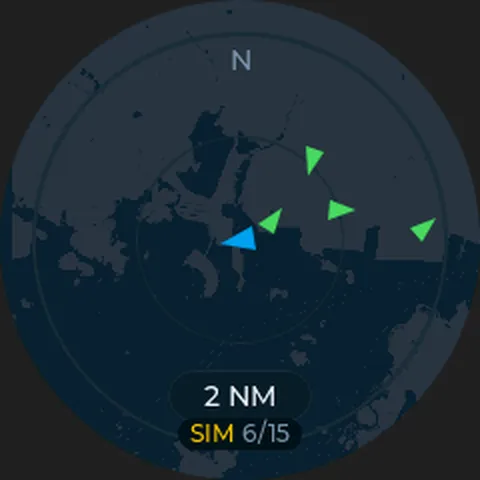
Ships around you on a chart, north or your course up. Tap one for its name, distance, speed and whether it's closing in.
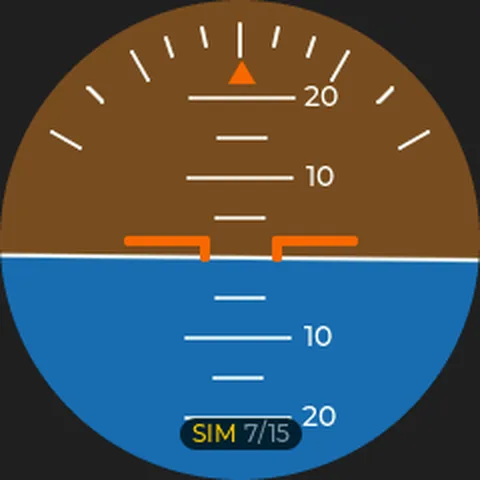
07Horizon
Heel and trim from the built-in motion sensor, like an artificial horizon.
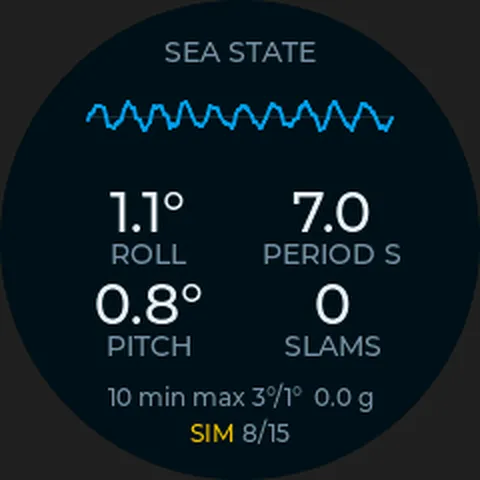
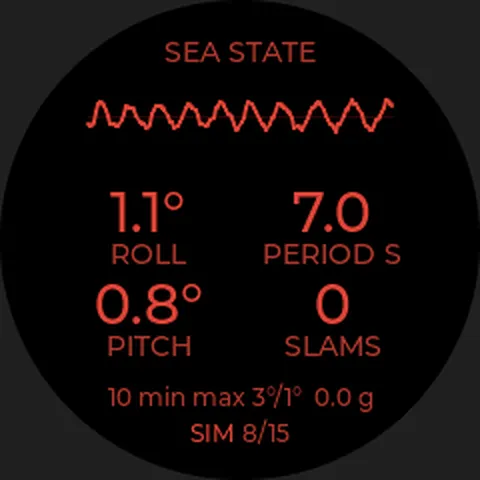
08Sea state
How much the boat rolls and pitches, the roll period and slams over the last minutes.
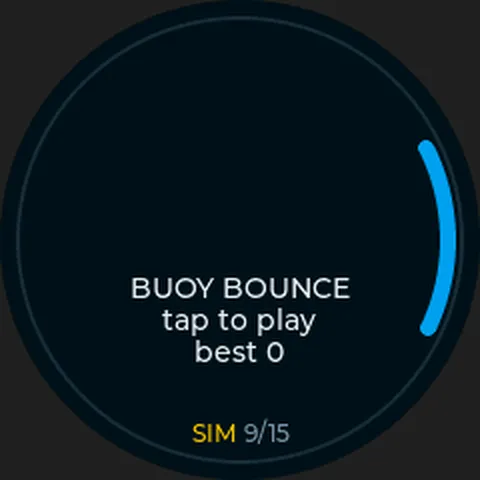
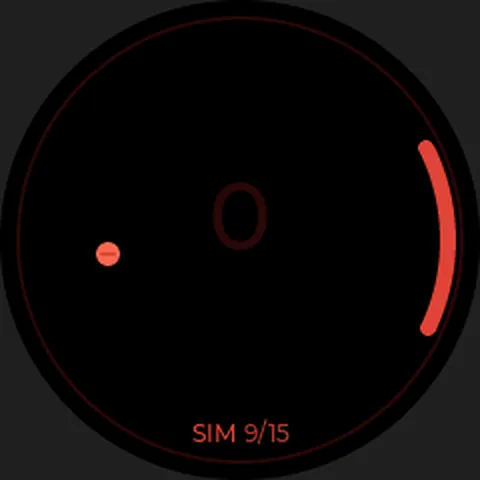
09Game
Buoy Bounce, for when you're at anchor.
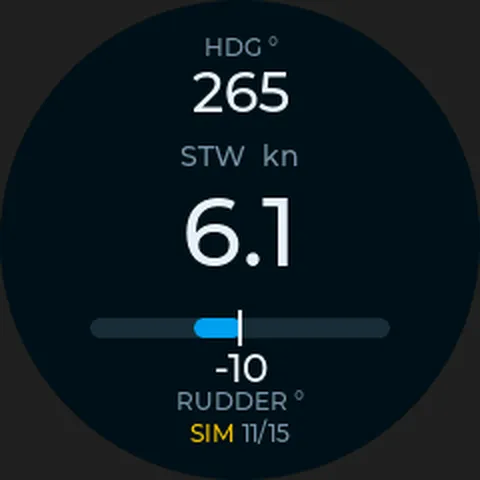
10Sailing
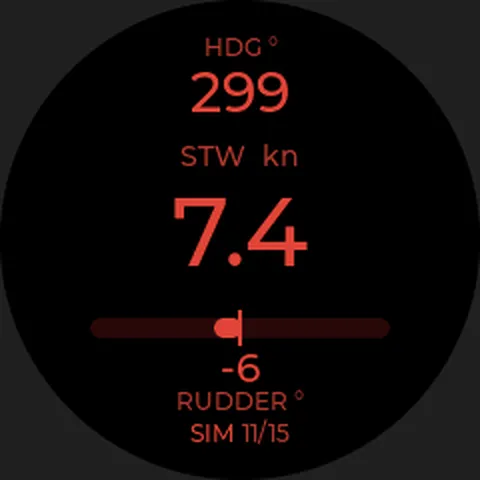
A page of your own on the Sailing template: speed through water, heading and a rudder bar swinging to port or starboard.
11Twin engines
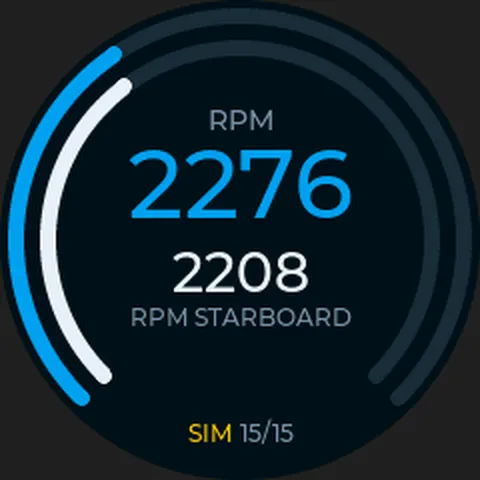
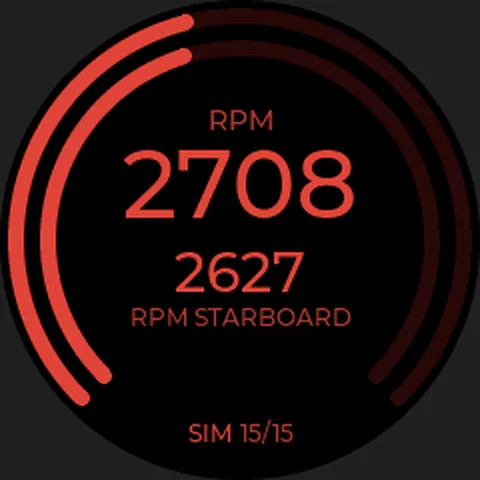
The Rings template: both engines' RPM, each in its own ring. Also good for speed and RPM on one face.
Screenshots from the simulator, with simulated values. Chart: © OpenStreetMap contributors.
The values come from your boat's NMEA 2000 network, so what a page shows depends on what your boat sends. Your own pages choose from 68 values from the network and 10 the gauge works out, such as range. Horizon and sea state use the gauge's own motion sensor.
Night mode
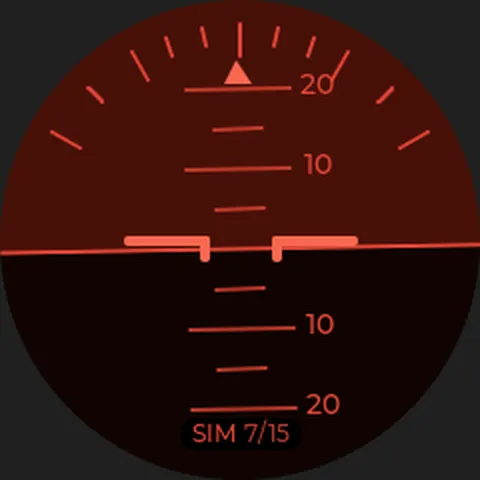
At night: red only.
Night mode turns every page red and dim, so the screen doesn't cost you your night vision. Dark is the default; a day theme for bright sun is on its way.
This page has the same three themes as the design system: dark, night and day.
Install
One hole. One cable.
BoatGauge is designed for the same 52 mm hole as a standard analogue gauge. If you have a spare hole or a gauge to replace, there's nothing to cut.
Through the hole
Push the gauge in from the front, with the gasket under the bezel.
Nut from behind
Screw the nut on by hand. It's drawn for panels from 2 to 12 mm.
Plug in
A drop cable from a T-piece on your NMEA 2000 backbone (sold separately). The gauge is designed to take its power from the network.
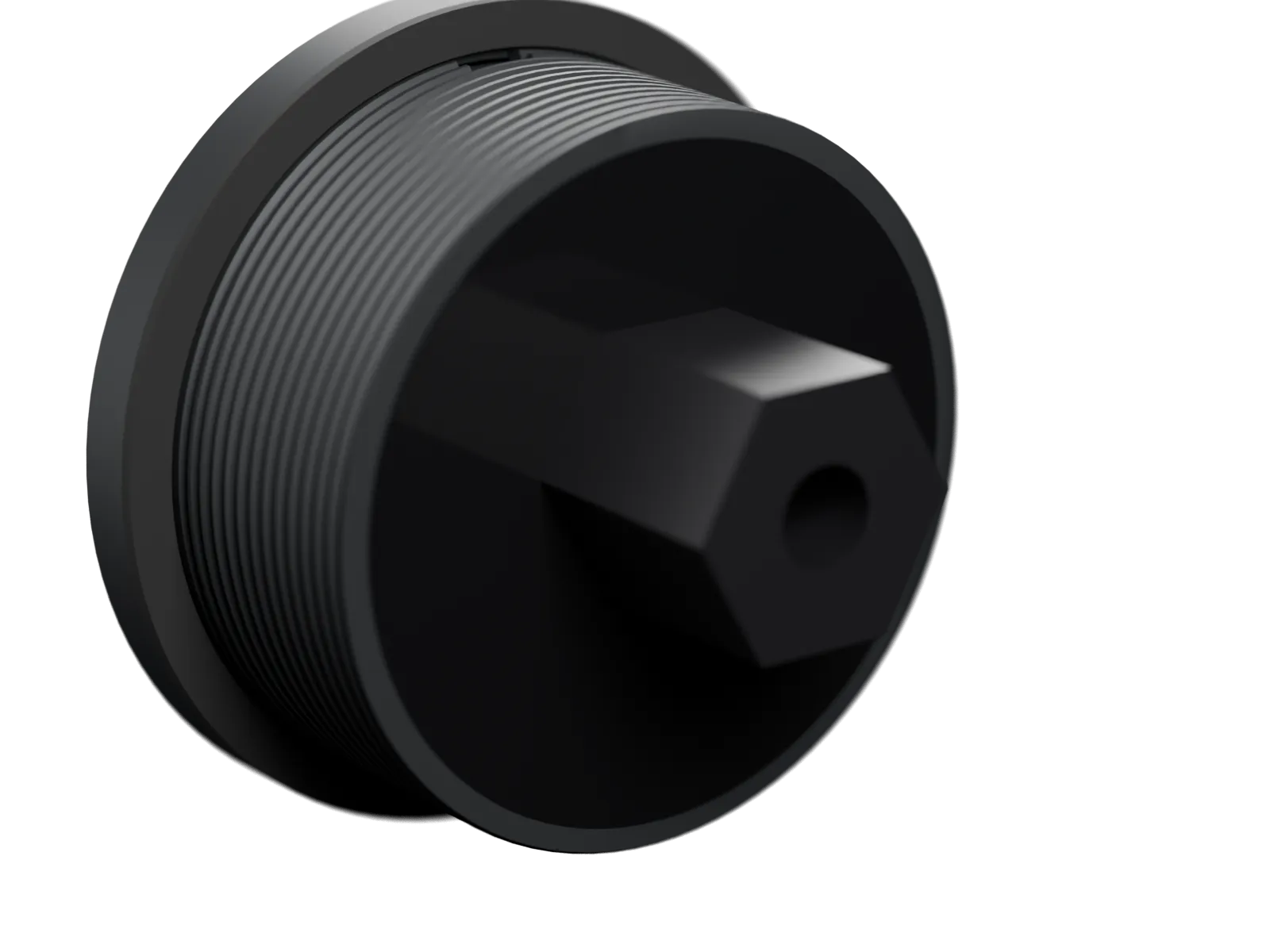
Size and connection
- Cutout
- 52 mm (2″)
- Bezel
- Ø58 mm
- Depth behind panel
- 20.6 mm + connectorfrom CAD
- Panel
- 2–12 mmfrom CAD
- Connector
- M12 Micro-C, 5-pin, A-coded
- Power
- From the NMEA 2000 network, 12 V nominalplanned
- Screen
- 1.75″ AMOLED, 466 × 466, touchplanned
- Sealing
- IP67target, not tested
- Settings
- On your phone over Wi-Fi, or on the gauge
- Updates
- Over Wi-Fi, signed only
How we plan to build it
To be potted, and tested first.
Inside are two boards: the display and our own carrier board for power and data. The plan is to fill the whole back with epoxy, to keep moisture and vibration away from the electronics. The epoxy isn't final; it has to pass heat-cycling tests first, or we'll switch to a softer potting material.
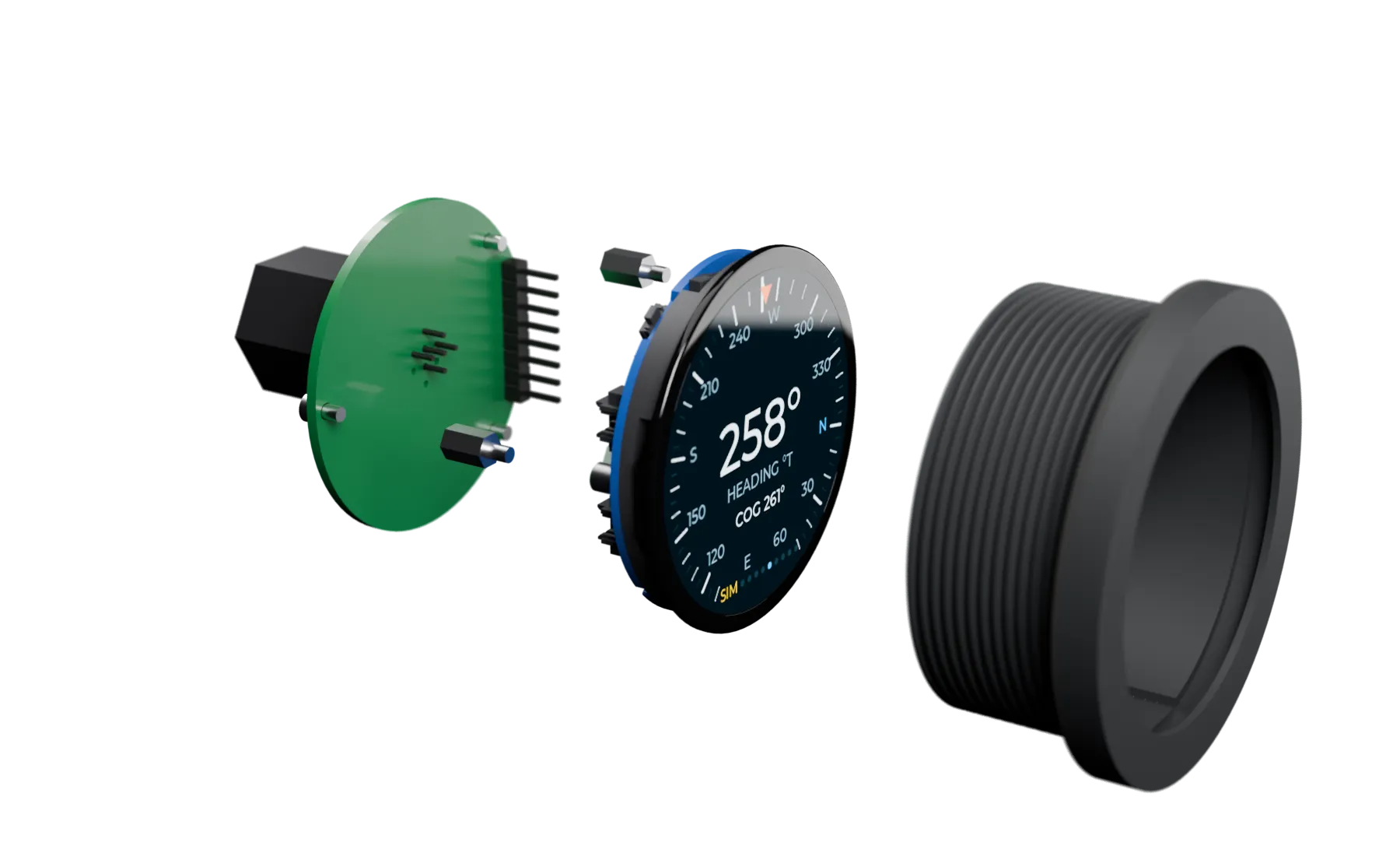
- ConnectorM12 Micro-C
- CarrierPower and CAN, Ø45
- Display1.75″ AMOLED behind glass
- HousingASA, Ø58 bezel, Ø51 tube
Seal
One unbroken bead of silicone round the display board's edge.
Test
Every gauge is to be tested through its own connector in a test rig, before potting.
Pot
Potting compound under vacuum, up to the rim of the tube, so no air bubbles stay behind.
Leak test
0.2 bar against the front seal for 60 seconds, with no drop.
planned This is the planned build process. It isn't proven in production yet, and IP67 is a target until it's tested.
Status
Where we are
BoatGauge is built by two people, in the open. This is how far we've come.
Done (done)
- Firmware with nine pages and night mode
- Your own pages: templates, values and order, on the web page or right on the gauge
- Boat setup: top speed, RPM and tank, with range and endurance
- Wi-Fi setup by QR code
- Signed updates over Wi-Fi
- AIS server and a chart under the radar, running locally
- Catalogue of NMEA 2000 values (simulated for now)
- Housing and carrier board designed
Now (in progress)
- Carrier board and test rig
Next (next)
- Reading NMEA 2000 on the bench
- Firmware on the 1.75″ AMOLED
- AIS service hosted online
- First potted test gauges
Then (later)
- Testing on our own boat (goal: spring, not a release date)
- Sealing tests and certification
- Price and date
FAQ
Good to know
Will it work on my boat?
That's the goal, but NMEA 2000 support isn't finished and hasn't been tried on a boat yet. Once it is, BoatGauge connects with a standard drop cable and T-piece (sold separately). What it can show depends on what the network sends: speed and heading from a GPS or chartplotter, depth from a sounder and engine data from the engine's gateway.
Is it NMEA 2000 certified?
Not yet. Certification and CE marking are part of the road to sale. We won't say it's certified until it is.
Is it waterproof?
It's designed for IP67, with a potted back (the potting material isn't final) and a sealed front. The connector's maker rates it IP68 unmated; the rating with the cable on, and the gauge as a whole, aren't tested. We won't state a rating until we have tested.
What will it cost, and when?
We haven't set a price or a date. Leave your email and we'll write once, when it's on sale.
Does the AIS radar need internet?
Yes. The radar gets ships over Wi-Fi, for example your phone's hotspot, from our own AIS service. Today that service runs on our own computer; putting it on a server is the next step. If your boat has an AIS receiver on NMEA 2000, we want to read ships straight from there.
Can I choose what it shows?
Yes. Reorder the pages, show or hide them, and build up to eight of your own on templates for one to five values, as a gauge, a bar or a number. Do it on the gauge's web page on your phone, with a preview, or right on the gauge: press and hold a value to swap it. The boat type, motor or sail, decides which pages you start with.
How is it updated?
Over Wi-Fi. The gauge looks for a new version once a day, and you start the update yourself. It only installs firmware we have signed; anything else is rejected.
Can I install it myself?
It's designed for that: with a 52 mm hole and an NMEA 2000 backbone you need the gauge with its nut, a drop cable and a T-piece. Nobody has fitted one yet, not even us. If there's no hole, a standard 52 mm hole saw cuts one.
Be the first to know.
We'll email once, when BoatGauge is on sale. Nothing else.